Clapova vs Canva (video): design templates or generated shots? (2026)
By The Clapova team · Published · Updated · 7 min read
In short
- Canva is for designing visuals and videos from graphic templates, alone or as a team; Clapova is for generating the shots of a video with AI models, then editing them, in French.
- Canva offers 1.6M+ templates on Free and 3.6M+ on paid plans, real-time collaboration, captions generated from speech, custom sizes and a social media scheduler from Pro up (checked October 16, 2026).
- Clapova offers several video models (MiniMax H3, Seedance, Kling, Wan…), a daily free plan that includes generated video (20 credits a day, 60 a month at most, with a watermark and at 720p) and direct publishing to Facebook and Instagram.
- Pricing: Canva Pro at €110 a year for one person and Pro+ at €170 a year per person (canva.com/fr_fr/pricing, checked October 16, 2026); Clapova Discovery at €19 a month including VAT.
In one sentence: Canva starts from a design template you adapt; Clapova starts from a prompt and generates the moving images. Both make videos for social media, but from different raw material. Disclosure: the Clapova team publishes this article. Every fact about Canva links to a source accessed on October 16, 2026.
Canva at a glance
Canva is an online design platform from a company headquartered in Sydney, Australia (Wikipedia). It covers visuals, presentations, documents and video, on the web and on mobile (App Store). Its site and pricing page are available in French.
Canva does best at its library. Its pricing page lists 1.6M+ templates and 4.7M+ media items on Free, and 3.6M+ templates and 141M+ media items on paid plans (checked October 16, 2026). The video editor can generate captions from speech, with 20+ animated styles. For AI video, Canva launched "Create a Video Clip" in June 2025: 8-second clips with sound, built with Google's Veo 3 (Canva announcement). Its pricing page does not say which model it uses today.

Clapova at a glance
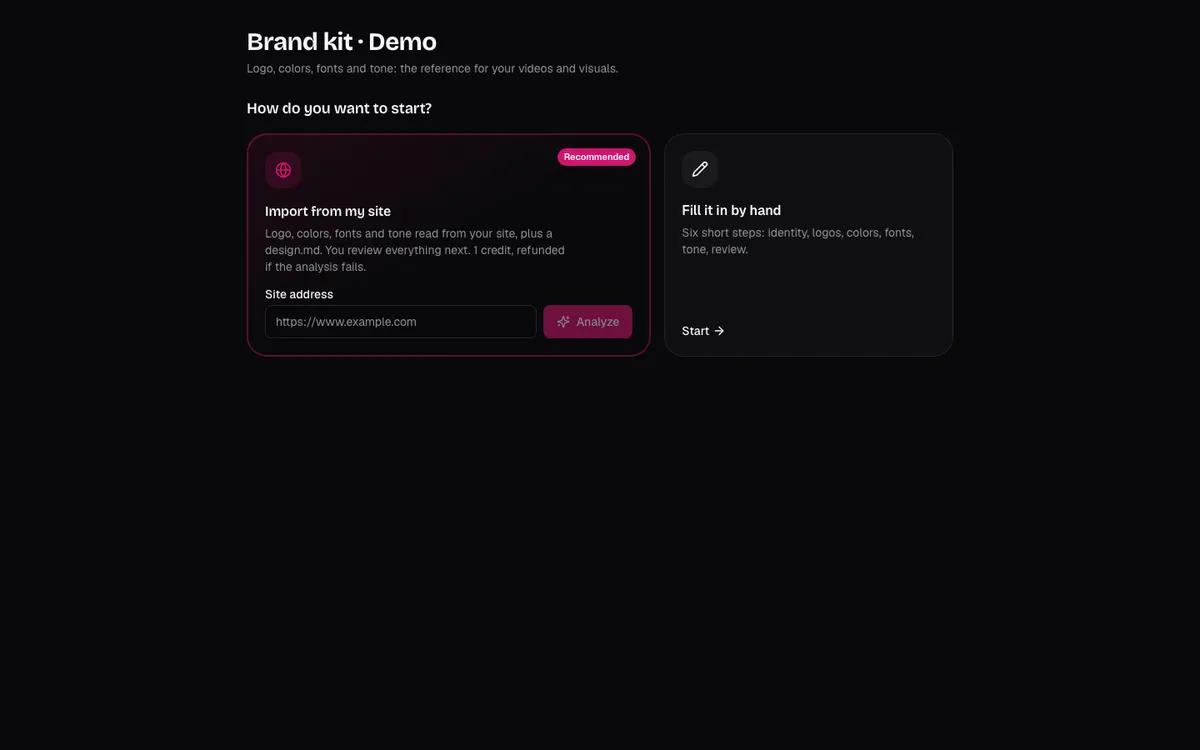
Clapova is a web-based AI video studio, designed in France, in French. You describe a video; Clapova generates the shots with third-party models (MiniMax H3, Seedance, Kling, Wan, Veo…), adds a voice-over and music, then edits everything on a multitrack timeline. A brand kit (logo, colors, fonts, tone) guides the Agent, and 10 editing templates give you a starting point.
Clapova is not a graphic design tool: no presentations, posters or documents. Video projects are 16:9, 9:16, 1:1 or 4:5, and a workspace has one user.
Quick comparison
| Criterion | Clapova | Canva |
|---|---|---|
| Main use | Make a video without a shoot: generate the shots, then edit | Design visuals and videos from graphic templates |
| AI models | 90+ models: MiniMax H3, Seedance 2.x, Kling 3.0 Pro, Wan 3.0, Veo… | AI video clips ("Ultra AI" tool) and image to video; Veo 3 announced in 2025 |
| Editing and captions | Multitrack timeline; automatic word-by-word animated captions transcribed from speech | Video editor with a timeline; captions generated from speech, 20+ styles |
| Voice and music | Voice-over (14 voices chosen for French), music, sound effects | Canva AI voice; music and sound effects generator |
| Formats | 16:9 and 9:16 | Custom sizes, including 1:1 |
| Publishing | Direct to Facebook and Instagram; assisted for TikTok, YouTube, LinkedIn and X; calendar | Social sharing; scheduler from Pro up |
| Interface language | Native French, English | French available (site and pricing page) |
| Free plan | 20 credits a day, 60 a month at most; generated video included; watermark, 720p | Free: 1.6M templates, 20 AI uses, no access to Ultra AI |
| Entry price | Discovery: €19/month incl. VAT | Pro: €110/year for one person |
| API / MCP | MCP server (about 60 tools), Claude Code plugin | Remote MCP server: create, edit and export designs |
Canva and Clapova pricing
The French Canva pricing page showed these yearly prices on October 16, 2026: Free at €0, Pro at €110 a year for one person, Pro+ at €170 a year per person, Enterprise on quote. We could not read the monthly prices on the page. A paid add-on, the AI Pass, adds AI quota to Pro and Pro+.
Canva's AI tools draw from a shared monthly quota. AI video clips belong to "Ultra AI": the Free plan has no access to it, Pro allows up to 20 Ultra AI uses a month and Pro+ up to 40, depending on the tools you use.
Clapova shows its prices in euros including VAT on the Pricing page: Free (20 credits a day, 60 a month at most), Discovery at €19 (260 credits), Creator at €59 (820 credits) and Studio at €129 a month (1,800 credits). Examples for a 10-second clip at 720p: MiniMax H3 Max costs 14 credits, included in the Free plan; Kling 3.0 Pro costs 58 credits on Studio, about €4.16.
When to choose Canva
- You want to start from a ready-made graphic template (text animation, carousel, story) and only change the text and media.
- You also make still visuals, presentations or documents: Canva covers them, Clapova does not.
- You work as a team: real-time collaboration, comments and task assignment are included even on the Free plan. Clapova has no team mode.
- You want captions generated from speech, or a square 1:1 format: Canva offers both, Clapova does not.
- You want to schedule posts without leaving the design tool, or work from your phone.
When to choose Clapova
- You want generated video shots rather than animated templates: a product in motion, a setting, a character, B-roll.
- You want to choose the model (MiniMax H3, Seedance, Kling, Wan…) and see its price before each generation.
- You want to try video generation every day for free: 20 credits a day, 60 a month at most, with a watermark and at 720p.
- You want a French-speaking Agent that writes the script, generates the shots, adds the voice-over and edits the video.
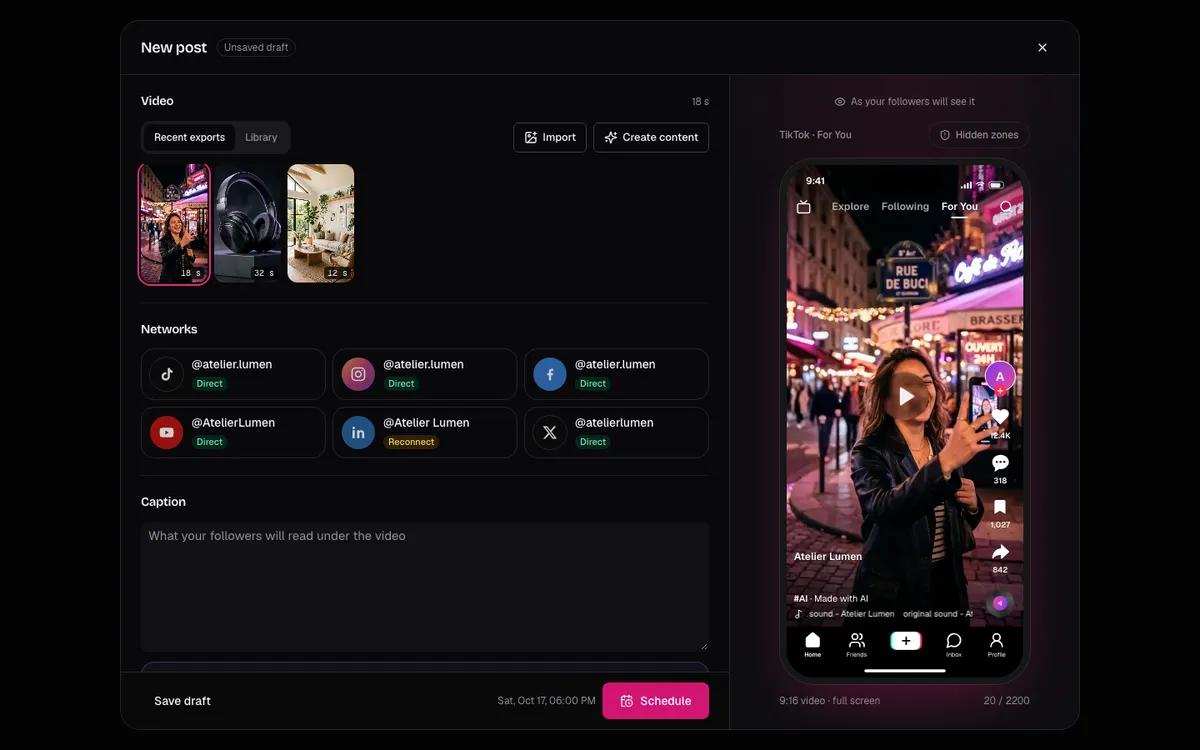
- You want one chain through to the post, a calendar of French marketing dates and direct publishing to Facebook and Instagram.
The two tools work together: generate a shot in Clapova, then drop it into a Canva template for the layout. See also Clapova vs CapCut and Clapova vs InVideo.
Verdict
For a team that makes visuals and videos from templates, with its brand and a scheduler, Canva remains the broader tool. To create the video shots themselves with several AI models, in French, Clapova goes further on generation. Create a free Clapova account and compare it with how you use Canva.
Frequently asked questions
Can Canva generate videos with AI?
Yes, on paid plans. AI video clips belong to "Ultra AI": Pro allows up to 20 uses a month and Pro+ up to 40, and the Free plan has no access (canva.com/fr_fr/pricing, checked October 16, 2026). Canva announced the feature with Google's Veo 3 in June 2025.
How much does Canva Pro cost?
Canva Pro cost €110 a year for one person, and Pro+ €170 a year per person, on canva.com/fr_fr/pricing on October 16, 2026. Monthly prices were not readable when we checked.
Does Canva add automatic captions to videos?
Yes. Canva's help center describes generating editable captions from speech, with language detection and 20+ styles (checked October 16, 2026). Clapova also transcribes speech into word-by-word animated captions (Auto captions button in the Studio), with five one-click styles.
Does Clapova have templates like Canva?
Clapova has 10 video editing templates (social media short, product presentation, UGC ad, before / after…), filled in by the Agent. It is not a library of millions of graphic templates like Canva's.
Can several people work on Clapova like on Canva?
No. A Clapova workspace belongs to one user. Canva offers real-time collaboration and comments, even on the Free plan.
Try Clapova for free
20 free credits every day, no credit card required. Compare it with your current tool on the same prompt.
Sources (checked 10/16/2026)
- Canva, French pricing page (accessed October 16, 2026)
- Canva, "Create a Video Clip" announcement with Veo 3 (June 18, 2025, accessed October 16, 2026)
- Canva Help Center, "Generate and animate captions" (accessed October 16, 2026)
- Canva, MCP server documentation (accessed October 16, 2026)
- App Store, Canva app (accessed October 16, 2026)
- Wikipedia (French), Canva article (accessed October 16, 2026)
Product names and trademarks mentioned belong to their respective owners. Third-party facts were checked on the date shown above and may have changed since.