Clapova vs Pictory: text to video, pricing and editing (2026)
By The Clapova team · Published · Updated · 7 min read

In short
- Pictory suits you if you turn a script, an article, a URL or a PowerPoint deck into a video illustrated with stock footage; Clapova suits you if you want to generate your own shots, a voiceover and music, then edit and publish to social media, in French or English.
- Pictory offers video from text, URLs, PowerPoint or PDF, automatic captions, text-based editing, ElevenLabs voices, millions of Getty Images and Storyblocks videos, an API and an MCP server (checked October 16, 2026).
- Clapova has no stock video library and no URL or PowerPoint import, but it has automatic captions. It offers dozens of generation models and multitrack editing.
- Pictory: 14-day free trial, then Starter at $29/month or $25/month billed yearly (checked October 16, 2026). Clapova: free with 20 credits a day (60 a month at most, watermarked, 720p), then €19, €59 or €129 a month, VAT included.
Disclosure: the Clapova team publishes this article. Facts about Pictory link to its official pages, read on October 16, 2026. To turn existing text into a video, Pictory is faster than Clapova.
Pictory at a glance
Pictory is a web app for AI video creation. According to its About page, its founders built a first prototype at a Seattle hackathon in 2019 and launched the first version in July 2020. Pictory has no official mobile app (Pictory llms.txt, checked October 16, 2026).
You give it a script, an article URL, a document, a PDF or a PowerPoint deck of up to 90 slides, and Pictory splits the text into scenes illustrated with stock footage (Getty Images and Storyblocks), with a voiceover and automatic captions. It can also edit a recorded video by changing its transcript, remove filler words, translate a video and add a virtual presenter. For generated shots, it lists Veo 3.1, Veo 3.1 Fast and Pixverse (checked October 16, 2026).

Clapova at a glance
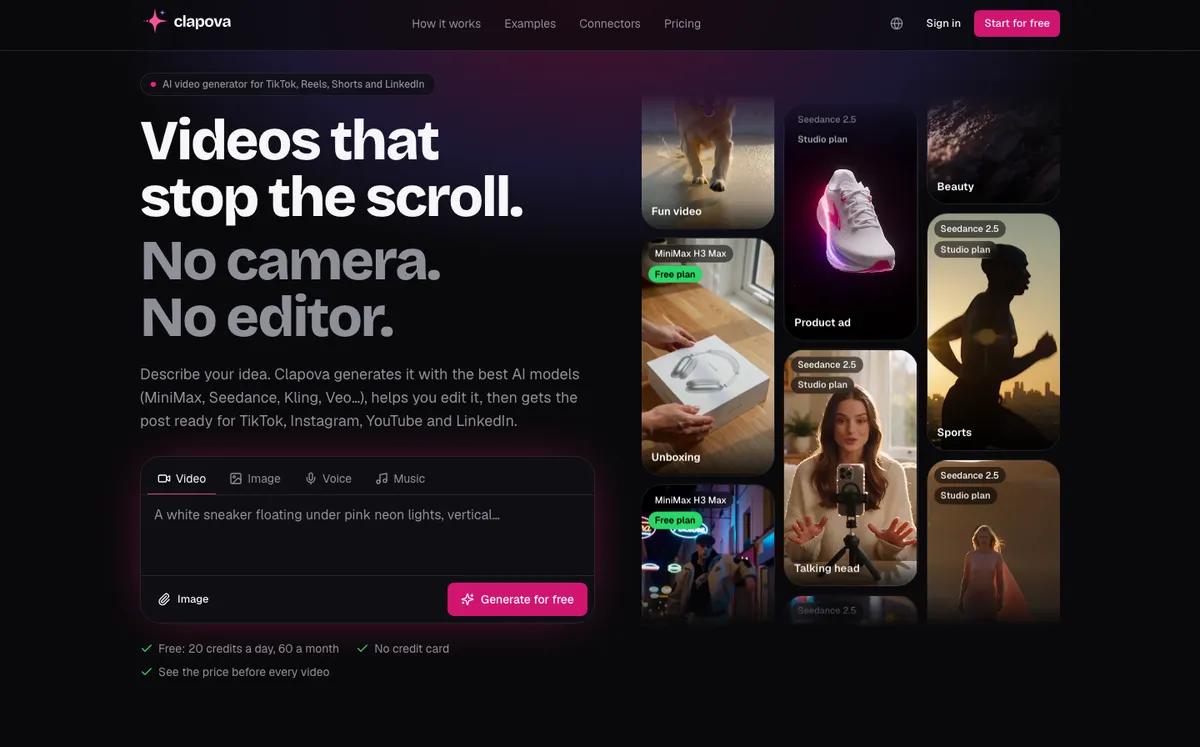
Clapova is a web-based AI video studio designed in France. Instead of stock footage, it generates your shots: 10-second clips, images, voiceovers, music and sound effects, with dozens of models (MiniMax H3, Kling 3.0 Pro, Seedance 2.5, Nano Banana 2, ElevenLabs and more). You assemble everything on a multitrack timeline, or let the Agent do it.
The interface and the Agent were built in French, with an English interface as well. Ten editing templates, including "Faceless explainer" and "Top list", give you a starting point. Clapova does not import URLs or PowerPoint decks; its "Auto captions" button transcribes the voiceover into word-by-word animated captions.
Clapova vs Pictory at a glance
| Criterion | Clapova | Pictory |
|---|---|---|
| Main use | Generate shots, voices and music, then edit a video | Turn text, a URL or a PowerPoint deck into an illustrated video |
| Scene visuals | Generated: 37 video and 27 image models (MiniMax H3, Kling 3.0 Pro, Seedance 2.5…) | Getty Images and Storyblocks stock; generation with Veo 3.1, Veo 3.1 Fast, Pixverse |
| Voice and music | 15 voice models, 14 voices picked for French, cloning (Studio), 8 music models | ElevenLabs voices (170+), standard voices, voice cloning (Professional) |
| Captions and translation | Automatic animated captions; no video translation | Automatic captions, video translation |
| Editing and formats | Multitrack timeline, 16:9 and 9:16, up to 1080p, export to Premiere, Resolve, Final Cut | Scene-based and transcript-based editing, filler word removal |
| Publishing | Calendar, direct publishing to Facebook and Instagram | Not checked |
| Interface language | French (native) and English | English website (a few pages in Spanish); app language not checked |
| Free plan | 20 credits a day, 60 a month at most, video included, watermarked, 720p | 14-day free trial |
| Entry price | Discovery €19/month incl. VAT (260 credits) | Starter $29/month, $25/month billed yearly |
| API / MCP | MCP server (Claude, ChatGPT, Cursor) | API (priced separately), MCP server (Claude Desktop, Cursor) |
Pictory and Clapova pricing
Plans read on Pictory's pricing page on October 16, 2026, in US dollars, monthly prices (yearly billing in parentheses):
- Starter: $29/month ($25), 1 user, 200 video minutes and 100 AI credits a month, 1 brand kit, no watermark.
- Professional: $59/month ($35), 600 minutes and 500 AI credits a month, custom avatars, voice cloning.
- Team: $199/month ($119), 3 or more users, 1,800 minutes and 2,400 AI credits a month, team workspace.
- Enterprise: custom quote, with SSO and SCORM export. Every plan starts with a 14-day free trial.
Clapova prices are in euros with VAT included: Free (20 credits a day, 60 a month at most), Discovery €19 (260 credits), Creator €59 (820 credits), Studio €129 (1,800 credits) a month, or 20% less billed yearly. For a 10-second clip at 720p, MiniMax H3 Max costs 14 credits (open on Free), about €1.00 at the Studio rate; Kling 3.0 Pro costs 58 credits (Studio), about €4.16. A Nano Banana 2 image costs 3 credits. Pictory counts video minutes, Clapova counts credits per generation, so compare on your own project. Per-model prices are on the Pricing page.
When to choose Pictory
- You start from existing text: a blog post, a URL, a PDF or a PowerPoint deck. Pictory splits it into scenes. Clapova imports neither URLs nor PowerPoint.
- You want real footage rather than generated shots: Pictory gives you millions of Getty Images and Storyblocks videos. Clapova has no stock library.
- You need automatic captions or video translation: Clapova offers neither.
- You edit recordings (webinars, lessons): transcript-based editing removes filler words.
- You work as a team: the Team plan includes 3 or more users. Clapova has no team mode.
When to choose Clapova
- You want shots that no stock library has: your product, a specific set, a recurring character. See the AI text to video guide.
- You want fine control over the edit: multitrack timeline, animated effects, export to Premiere Pro, DaVinci Resolve or Final Cut Pro.
- You work in French: interface, Agent and 14 voices picked for French narration.
- You want to test every day for free, video included: 20 credits a day, 60 a month at most, watermarked and at 720p.
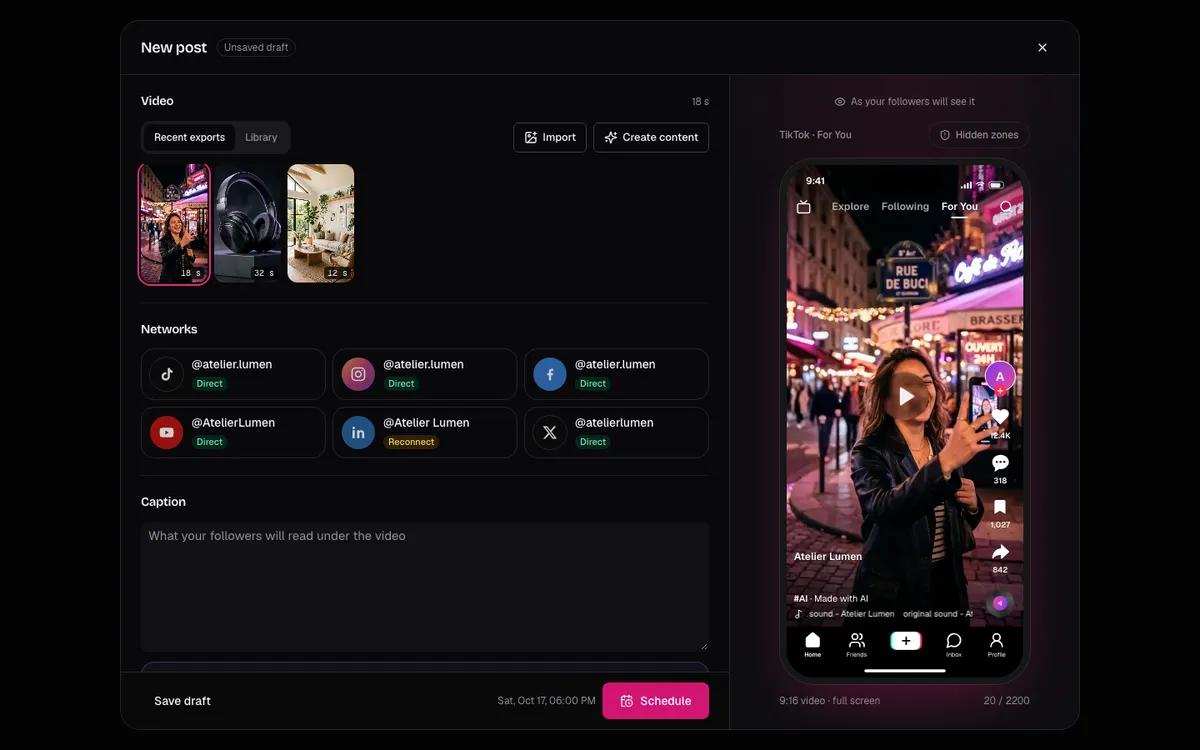
- You want generation, post, calendar and publishing in one chain: Clapova publishes directly to Facebook and Instagram, and prepares posts for TikTok, YouTube, LinkedIn and X.
Verdict: Clapova or Pictory?
To recycle articles, slide decks or webinars into illustrated, captioned videos, Pictory is the right tool. To create videos from generated shots, with voiceover, music and multitrack editing, then publish them from a studio that works in French, Clapova covers the chain. Pictory offers a 14-day trial, Clapova a daily free allowance. Also read Clapova vs InVideo and Clapova vs Synthesia, or create a free account.
Frequently asked questions
Is Pictory free?
Pictory offers a 14-day free trial, then Starter at $29/month, or $25/month billed yearly (checked October 16, 2026). Clapova has a permanent free plan: 20 credits a day, 60 a month at most, watermarked and at 720p.
Can Clapova turn a blog post into a video?
Not automatically. Clapova imports neither URLs nor PowerPoint decks. You can paste your text into the Agent, which proposes a plan, generates the shots and the voiceover, then edits the video. To turn a URL into a video in one click, Pictory is more direct.
Does Pictory use AI-generated footage?
Both. Pictory mostly illustrates with Getty Images and Storyblocks stock footage, and it also lists generation models: Veo 3.1, Veo 3.1 Fast and Pixverse for video (checked October 16, 2026).
Does Clapova add captions automatically?
Yes. Clapova transcribes the voiceover or the sound of a video into word-by-word animated captions, in one click in the Studio. Pictory generates captions automatically too.
Does Pictory have an API or an MCP server?
Yes. Pictory has an API, priced separately, and announced an MCP server in June 2025 that works with Claude Desktop and Cursor. Clapova also has an MCP server that you can use from Claude.
Try Clapova for free
20 free credits every day, no credit card required. Compare it with your current tool on the same prompt.
Sources (checked 10/16/2026)
- Pictory, Pricing page (accessed October 16, 2026)
- Pictory, llms.txt (accessed October 16, 2026)
- Pictory, MCP server announcement (June 23, 2025, accessed October 16, 2026)
- Pictory, API and MCP documentation (accessed October 16, 2026)
- Pictory, About page (accessed October 16, 2026)
Product names and trademarks mentioned belong to their respective owners. Third-party facts were checked on the date shown above and may have changed since.