Clapova vs Veo: Google Flow or Veo inside a studio (2026)
By The Clapova team · Published · Updated · 7 min read
In short
- Google Flow suits people who want full Veo 3.1 at Google's price, on desktop or mobile. Clapova suits people who want Veo among other engines, with voice, multitrack editing and publishing, in French or English.
- Veo is Google DeepMind's video model family. Its latest version, Veo 3.1, generates sound with the picture, in 8-second clips. In Flow, a Veo 3.1 clip costs 10 to 100 credits depending on quality (checked October 16, 2026).
- Google AI Pro costs €21.99 a month in France for 1,000 Flow credits. Without a subscription, Flow gives 50 credits a day.
- Clapova offers Veo 3.1 Lite (17 credits, Creator plan, when direct Google access is enabled), Veo 2 (166 credits, Studio) and Gemini Omni Flash 1.1 (42 credits, Studio). Veo 3.1 Fast and Quality are not in it.
Veo and Google Flow at a glance
Veo is Google DeepMind's video model. According to its official page, Veo 3.1 generates sound natively (dialogue, sound effects, ambience), in 8-second clips you can extend, in 1080p and 4K. You can use it in the Gemini app, in Google Flow or through the Gemini API (checked October 16, 2026).
Google Flow is Google's creative studio, launched on May 20, 2025 around Veo. According to its Help Center, Flow generates clips from text, reference images or start and end frames, extends Veo clips, edits video with Gemini Omni Flash in some countries, and assembles clips in Scenebuilder: order, trim the start and end, preview, download. Flow also has an agent and a mobile app, and it is available to users 18 and over in many countries, France included, and in several languages, French included.
Clapova at a glance
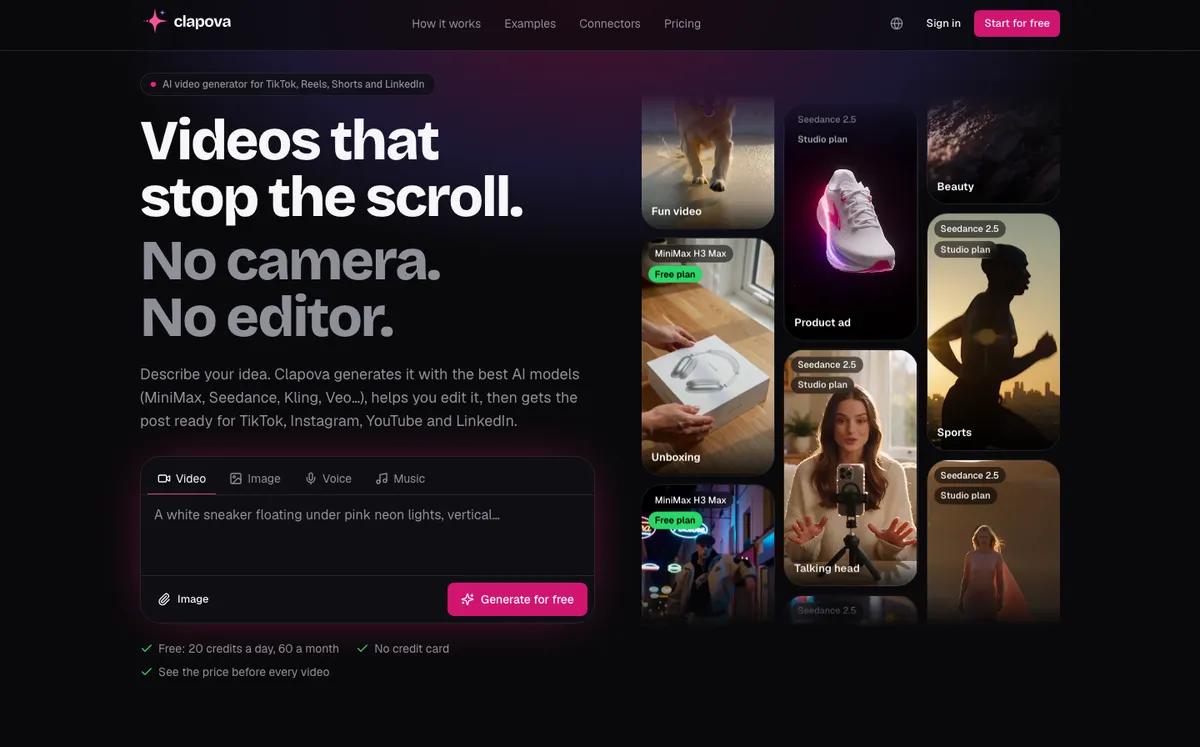
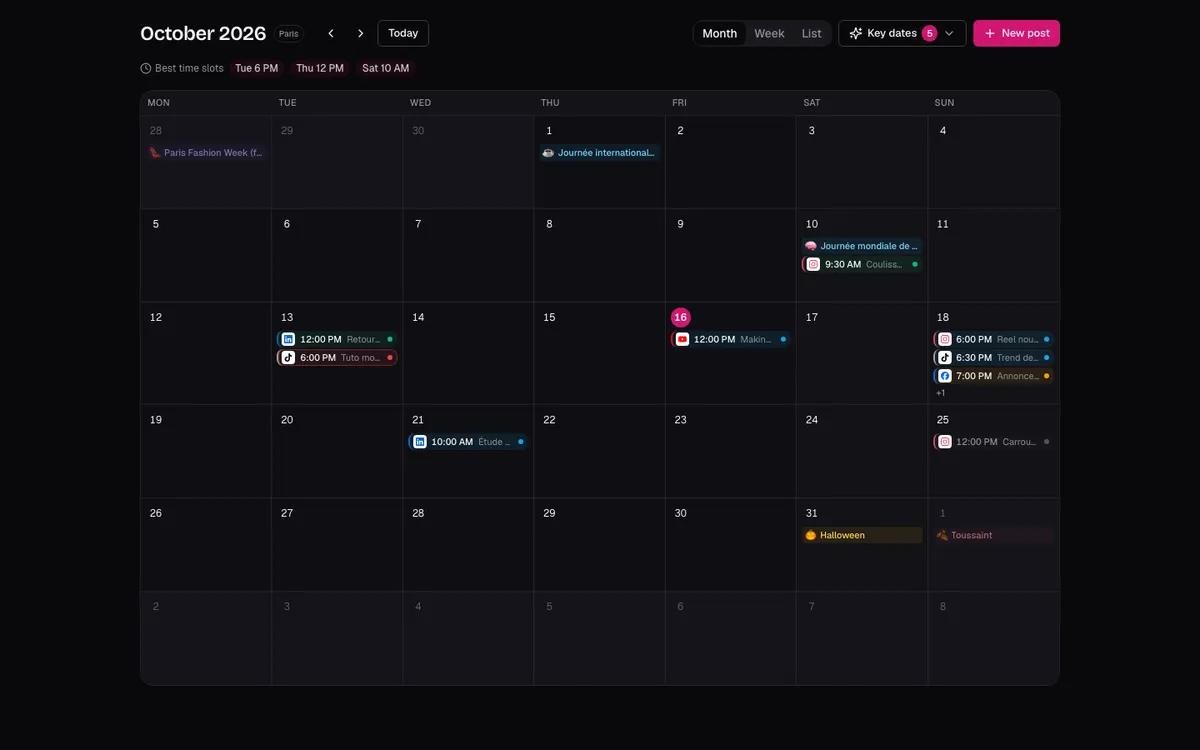
Clapova is a web-based AI video studio built in French, also available in English, designed in France. It gives you dozens of engines for video, images, voice-over and music: Veo, Gemini Omni Flash, Kling, MiniMax H3, Seedance… You edit the clips on a multitrack timeline, then prepare the post and schedule it in a calendar.
Clips last 10 seconds (8 for Veo), in 16:9 or 9:16, up to 1080p. Clapova has no 4K, no mobile app and no team mode.
Clapova vs Veo: quick comparison
| Criterion | Veo in Google Flow | Clapova |
|---|---|---|
| Main use | Build scenes with Google's models | Generate with several engines, then edit and publish |
| Video engines | Veo 3.1 Lite, Fast and Quality, Gemini Omni Flash | Veo 3.1 Lite, Veo 2, Gemini Omni Flash 1.1, plus Kling, MiniMax, Seedance, Wan… |
| Length and resolution | 8 s per Veo clip, extendable; 1080p, 4K on Ultra | 8 s for Veo, 10 s for others; up to 1080p |
| Editing | Scenebuilder: order and trim clips, download the scene | Multitrack timeline (video, audio, text), 10 editing templates |
| Voice and music | Veo 3.1 native sound; Flow Music as a separate product | Voice-over, music and sound effects on separate tracks |
| Publishing | Not documented in the Flow Help Center | Calendar; direct publishing to Facebook and Instagram, assisted elsewhere |
| Interface language | Several languages, French included; Google recommends English prompts | French and English |
| Free plan | 50 Flow credits a day; video may be unavailable 2 to 5 PM UTC | 20 credits a day, 60 a month at most, watermark, 720p |
| Entry price | Google AI Plus €4.99/month in France (200 Flow credits) | €19/month incl. VAT (260 credits) |
| API / MCP | Gemini API for Veo; no official MCP server found for Flow | MCP server (Claude, ChatGPT, Cursor) |
Flow or Veo in Clapova?
In Flow, you get the whole Veo 3.1 range, clip extension, 4K on Ultra and Google's prices. In Clapova, you get Veo 3.1 Lite and Veo 2 next to other engines: you compare Veo with Kling or MiniMax H3 on the same prompt, then drop the clip on the timeline with a voice-over and music.
Veo 3.1 Lite runs through direct Google access. It only shows in Clapova's engine picker when that access is enabled. Gemini Omni Flash 1.1, Google's video model ranked 1st in text-to-video on LMArena (September 22, 2026), is available in Clapova on the Studio plan. Veo 3.1 ranks 12th on that board.
Learn more: Veo in Clapova and the Seedance vs Veo engine comparison.
Flow and Clapova pricing
Flow runs on Google AI plans. Prices as shown in France on the Gemini subscriptions page; credits and costs from the Flow Help Center (checked October 16, 2026). In the US, the Help Center names the Ultra tiers "$100" and "$200".
| Plan | Monthly price | Flow credits |
|---|---|---|
| No subscription | €0 | 50 a day |
| Google AI Plus | €4.99 | 200 a month |
| Google AI Pro | €21.99 | 1,000 a month |
| Google AI Ultra | €99.99 or €219.99 | 10,000 or 25,000 a month |
A Veo 3.1 clip costs 10 credits in Lite, 20 in Fast and 100 in Quality (half price for Lite and Fast on Ultra). With Google AI Pro, that is about €0.22, €0.44 and €2.20 per 8-second clip. Monthly credits do not roll over.
Clapova: Free (€0), Discovery €19, Creator €59 and Studio €129 a month including VAT, with 260, 820 and 1,800 credits. In 720p:
- Veo 3.1 Lite (8 s): 17 credits, Creator plan, about €1.22 incl. VAT.
- Gemini Omni Flash 1.1 (10 s): 42 credits, Studio plan, about €3.01 incl. VAT.
- Veo 2 (8 s): 166 credits, Studio plan, about €11.90 incl. VAT.
For Veo alone, Flow costs much less. Clapova's full price grid is on the Pricing page.
When to choose Veo and Google Flow
- You want Veo 3.1 Fast or Quality, which Clapova does not offer.
- You want the lowest price for Veo: a Lite clip costs about €0.22 with Google AI Pro.
- You want to extend a clip, edit a video with Gemini Omni Flash or get 4K through upscaling (Ultra).
- You also create on a phone: Flow has a mobile app, and Clapova runs on the web.
- You already pay for a Google AI plan for Gemini: Flow credits come with it.

When to choose Clapova
- You want to compare Veo with Kling, MiniMax H3 or Seedance without switching tools, with the model leaderboard.
- You want an agent and voice-overs designed for French as well as English, with prices in euros including VAT.
- You want to test every day, video included: 20 credits a day, 60 a month at most, MiniMax H3 included, with a watermark and in 720p.
- You edit on a multitrack timeline with voice-over, music and editing templates.
- You chain the post, the calendar and direct publishing to Facebook and Instagram.
Verdict
If Veo is your engine, Google Flow offers all of it for less. Clapova serves people who want Veo among other engines, in a pipeline that runs through editing and publishing. Test the same prompt in Flow and in Clapova, then compare. You can create a free Clapova account, or read Clapova vs Sora and Clapova vs Kling.
Frequently asked questions
Is Google Flow free?
Partly. According to the Flow Help Center (checked October 16, 2026), an account without a subscription gets 50 Flow credits a day, and video generation may be unavailable at peak times, roughly 2 to 5 PM UTC. Google AI plans add 200 to 25,000 credits a month.
How much does a Veo 3.1 video cost?
In Flow, an 8-second Veo 3.1 clip costs 10 credits in Lite, 20 in Fast and 100 in Quality. In Clapova, a Veo 3.1 Lite clip in 720p costs 17 credits, on the Creator plan.
Is Veo 3.1 available in Clapova?
Veo 3.1 Lite is, on the Creator plan, when direct Google access is enabled. Veo 3.1 Fast and Quality are not in the catalog as of October 16, 2026. Clapova also offers Veo 2 and Gemini Omni Flash 1.1 on the Studio plan.
What is the difference between Veo and Flow?
Veo is Google DeepMind's video model. Flow is Google's creative app that uses Veo and Gemini Omni Flash, with an agent, Scenebuilder and credits tied to Google AI plans.
What is the difference between Flow and Clapova?
Flow centers on Google's models, with clip extension, 4K on Ultra and a mobile app. Clapova runs Veo next to Kling, MiniMax H3 and Seedance, and adds voice-over, music, a multitrack timeline, a calendar and publishing.
Try Clapova for free
20 free credits every day, no credit card required. Compare it with your current tool on the same prompt.
Sources (checked 10/16/2026)
- Google DeepMind, Veo model page (accessed October 16, 2026)
- Google Flow Help Center, Manage your Google Flow credits (accessed October 16, 2026)
- Google Flow Help Center, Where you can use Google Flow (accessed October 16, 2026)
- Google Flow Help Center, Edit videos & build scenes (accessed October 16, 2026)
- Google, Google AI Plus, Pro and Ultra plans (prices in France, accessed October 16, 2026)
- Google, Introducing Flow (May 20, 2025, accessed October 16, 2026)
- Google AI for Developers, video generation with Veo in the Gemini API (accessed October 16, 2026)
- LMArena, leaderboard dataset (boards of September 22, 2026, accessed October 16, 2026)
Product names and trademarks mentioned belong to their respective owners. Third-party facts were checked on the date shown above and may have changed since.