Clapova vs Captions (Mirage): captions, avatars and pricing (2026)
By The Clapova team · Published · Updated · 7 min read
In short
- Captions suits you if you film yourself on camera and want auto captions, dubbing and quick editing on your phone; Clapova suits you if you want to generate shots, a voiceover and music without filming, then edit and publish from the web, in French or English.
- Captions is the app from Mirage (NOCAP, Inc., New York), on iOS, Android, web and desktop. It captions in 100+ languages, dubs into 30+ languages with lip sync, corrects eye contact and offers avatars (checked October 16, 2026).
- Clapova has auto captions (transcribed from speech, five animated styles) but no dubbing and no mobile app. It offers characters with a linked voice, lipsync on an existing video and dozens of generation models.
- Captions: free version with no AI credits, Max at $24.99/month for 500 credits (iOS prices, checked October 16, 2026). Clapova: free with 20 credits a day (60 a month at most, watermarked, 720p), then €19, €59 or €129 a month, VAT included.
Disclosure: the Clapova team publishes this article. Facts about Captions link to its official pages, read on October 16, 2026. On captions, dubbing and mobile, Captions does things Clapova does not.
Captions (Mirage) at a glance
Captions is an AI video editing and generation app. Its maker was also called Captions until September 2025, when it became Mirage (Mirage announcement). The company, NOCAP, Inc., does business as Mirage in New York; it builds the Captions app, its own models and the Mirage API (Mirage, about us, checked October 16, 2026).
The app runs on iOS, Android, the web and desktop. According to its llms.txt, it transcribes and captions in 100+ languages with 100+ caption styles, dubs a video into 30+ languages with your cloned voice and lip sync, and corrects eye contact so you look at the camera. It also offers avatars made from a photo or a selfie (AI Twin), a library of AI actors and AI Edit, which adds styles, B-roll, transitions and music (checked October 16, 2026).
Clapova at a glance
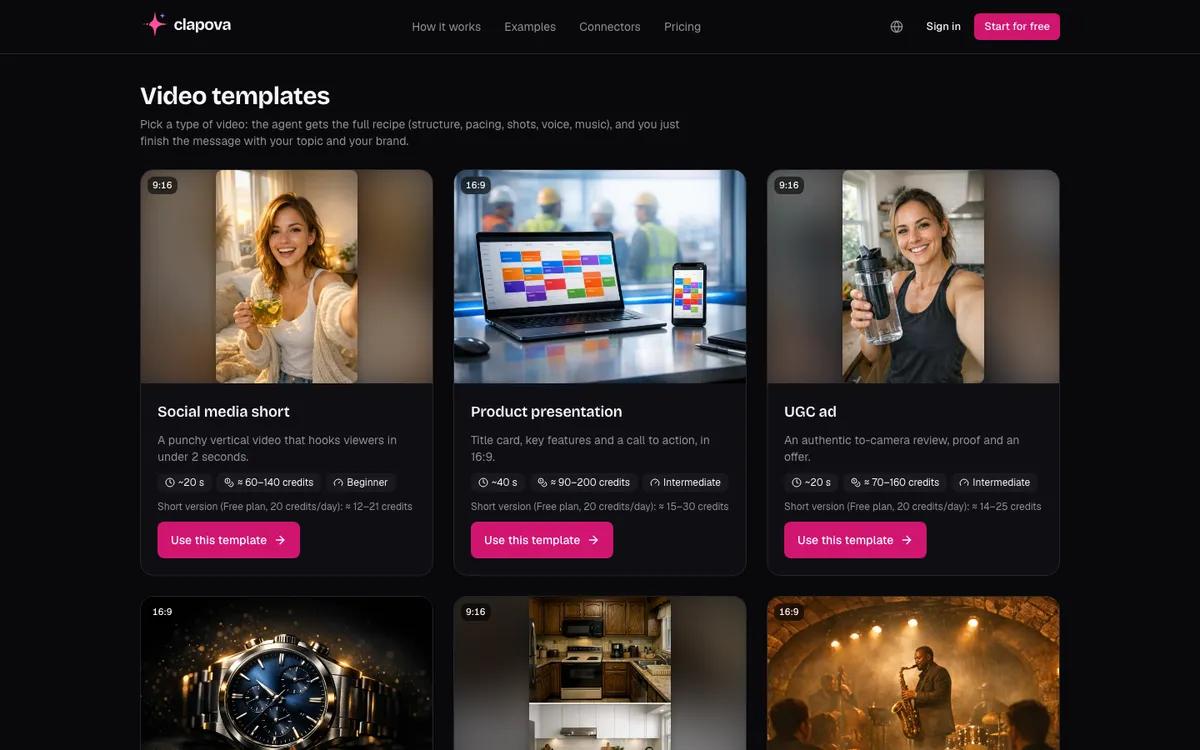
Clapova is a web-based AI video studio designed in France. It starts from a description rather than filmed footage: you generate 10-second clips, images, voiceovers and music with dozens of models, then edit on a multitrack timeline. The interface and the Agent were built in French, with an English interface as well.
For a talking video, you create a reusable character with a linked voice and sync the mouth to the voiceover with sync.so lipsync (from the Discovery plan). The "Auto captions" button transcribes the voiceover or the sound of the video and lays animated captions word by word.
Clapova vs Captions at a glance
| Criterion | Clapova | Captions (Mirage) |
|---|---|---|
| Main use | Make a video from a description: generated shots, voice, music, editing | Edit and caption filmed video, often on camera; avatars |
| Generation models | 37 video, 27 image, 15 voice and 8 music models (MiniMax H3, Kling 3.0 Pro, Seedance 2.5…) | Mirage in-house models; third-party models not named on the pages we read |
| Automatic captions | No; animated captions from typed text | Yes, in 100+ languages, 100+ styles |
| Dubbing and lip sync | No dubbing; lipsync on an existing video from Discovery | Dubbing into 30+ languages with a cloned voice and lip sync; eye contact correction |
| Editing and formats | Multitrack timeline, 16:9 and 9:16, up to 1080p, export to Premiere, Resolve, Final Cut | Automatic editing (AI Edit), trim, zoom, transitions, teleprompter |
| Platforms | Web only | iOS, Android, web, desktop |
| Interface language | French (native) and English | English website; app language not checked |
| Free plan | 20 credits a day, 60 a month at most, video included, watermarked, 720p | Basic tools (trim, transitions, teleprompter), no AI credits |
| Entry price | Discovery €19/month incl. VAT (260 credits) | Max $24.99/month, 500 credits (iOS price) |
| API / MCP | MCP server (Claude, ChatGPT, Cursor) | Mirage API; MCP server documented for Claude Desktop and Cursor (API key required) |
Captions and Clapova pricing
The Captions pricing page lists US dollar prices that "reflect iOS plans only" (checked October 16, 2026):
- Free: $0, no AI credits; trim, zoom, transitions, sound effects, teleprompter and one caption template.
- Max: $24.99/month, 500 credits; AI Creator, AI Twin, clips from long videos.
- Frontier: $69.99/month, 1,400 credits; Frontier 2x at $139.99 (2,800 credits) and 4x at $279.99 (5,600 credits).
- Enterprise: custom quote. The page does not list yearly prices, only a discount.
Unused Captions credits roll over, up to three times your monthly allowance. On Clapova, subscription credits stay valid until the end of the paid period, plus 3 days.
Clapova prices are in euros with VAT included: Free (20 credits a day, 60 a month at most), Discovery €19 (260 credits), Creator €59 (820 credits), Studio €129 (1,800 credits) a month, or 20% less billed yearly. For a 10-second clip at 720p, MiniMax H3 Max costs 14 credits (open on Free), about €1.00 at the Studio rate; Kling 3.0 Pro costs 58 credits (Studio), about €4.16. Details are on the Pricing page.
When to choose Captions
- You film yourself and want automatic captions: Captions transcribes in 100+ languages. Clapova also transcribes speech, in fewer languages and from the web only.
- You edit on your phone: Captions has iOS and Android apps. Clapova runs on the web only.
- You want to dub your video into other languages with your own voice and lip sync: Clapova does not dub.
- You read a script to camera: teleprompter and eye contact correction. Clapova offers neither.
- You want to keep unused credits: Captions rolls them over, up to three months of allowance.
When to choose Clapova
- You don't want to film yourself: Clapova generates shots from a description, with models such as MiniMax H3 or Kling 3.0 Pro.
- You want a recurring character who speaks: reusable character, linked voice and lipsync, as in the AI UGC video guide.
- You work in French: interface, Agent and 14 voices picked for French narration.
- You want to test every day for free, video included: 20 credits a day, 60 a month at most, watermarked and at 720p.
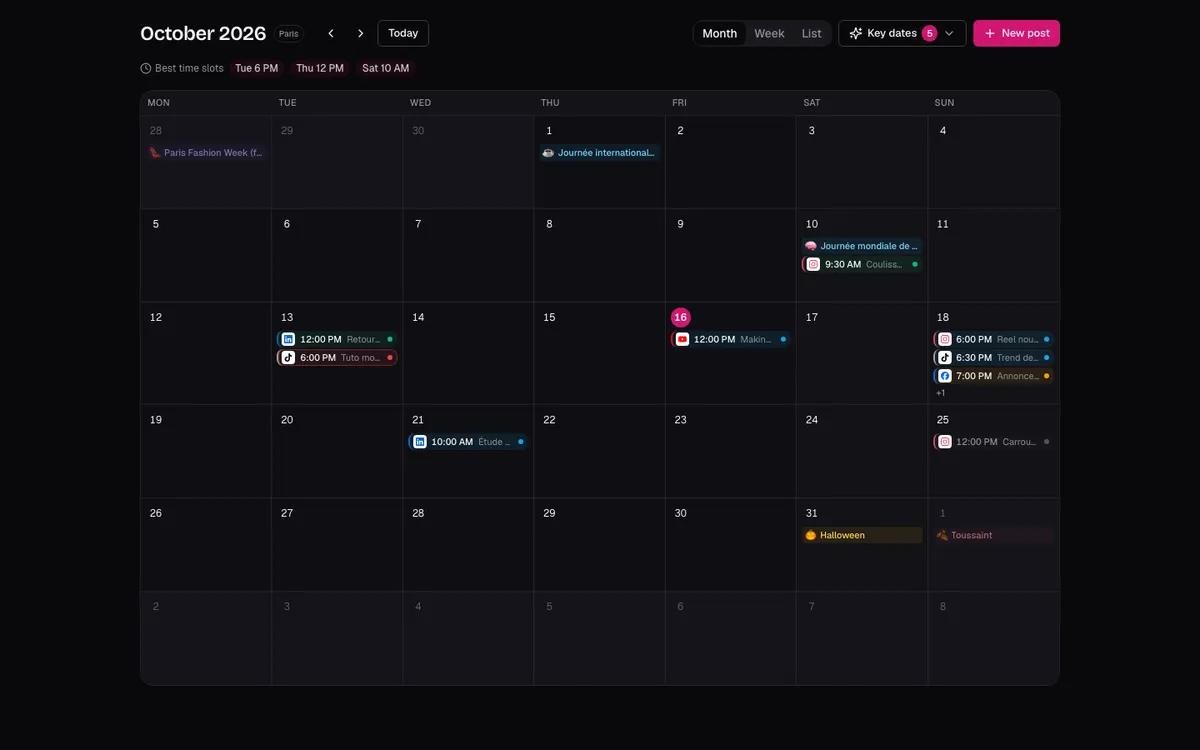
- You want generation, post, calendar and publishing in one chain: Clapova publishes directly to Facebook and Instagram, and prepares posts for TikTok, YouTube, LinkedIn and X.
Verdict: Clapova or Captions?
If you talk to camera and publish from your phone, Captions will save you time: captions, dubbing and eye contact fixed in a few taps. If you want to produce without filming, from generated shots, a voiceover and music, then edit and schedule your posts in French, Clapova fits better. You can use both. Also read Clapova vs HeyGen and Clapova vs CapCut, or create a free account.
Frequently asked questions
Are Captions and Mirage the same thing?
Mirage has been the new name of the company behind the Captions app since September 2025. The app keeps the Captions name. Mirage also builds its own video models and an API (checked October 16, 2026).
Is Captions free?
Captions has a free version with basic tools (trim, transitions, teleprompter, one caption template) and no AI credits. The Max plan costs $24.99/month for 500 credits, according to the iOS prices published on October 16, 2026.
Does Clapova generate automatic captions?
Yes. Clapova transcribes the voiceover or a video's sound into word-by-word animated captions, in one click in the Studio (about 1 credit per minute, 10 min at most per source). For dubbing and editing on a phone, Captions fits better.
Does Clapova have a mobile app?
No. Clapova runs in the browser, on a computer. Captions has iOS and Android apps, as well as web and desktop.
Is Captions available in French?
We found no French version of the Captions website on October 16, 2026, and we could not check the app's language. Its captions cover 100+ languages, French included. Clapova was designed in French.
Try Clapova for free
20 free credits every day, no credit card required. Compare it with your current tool on the same prompt.
Sources (checked 10/16/2026)
- Captions, Pricing page (accessed October 16, 2026)
- Captions, llms.txt (accessed October 16, 2026)
- Mirage, About us (accessed October 16, 2026)
- Mirage, "Captions is now Mirage" (September 10, 2025, accessed October 16, 2026)
- TechCrunch, Captions rebrands as Mirage (September 4, 2025, accessed October 16, 2026)
- Captions, MCP documentation for Claude (accessed October 16, 2026)
Product names and trademarks mentioned belong to their respective owners. Third-party facts were checked on the date shown above and may have changed since.